
 Português
 Español
 Français
 Deutsch
 Italiano
 Nederlands
 Polski
 Türkçe
 Русский
 Українська
 العربية
 हिन्दी
 Bahasa Indonesia
 Tiếng Việt
 ไทย
ไทย 日本語
日本語 한국어
한국어 简体中文
简体中文 繁體中文
繁體中文VISUAL GUIDE · AD FORMATS
The right size for every placement.
Choose where your design will appear. See the dimensions, the aspect ratio and the recommended space for text and offers.
CHOOSE A PLACEMENT
Explore the formats
Tap an option to see the example.
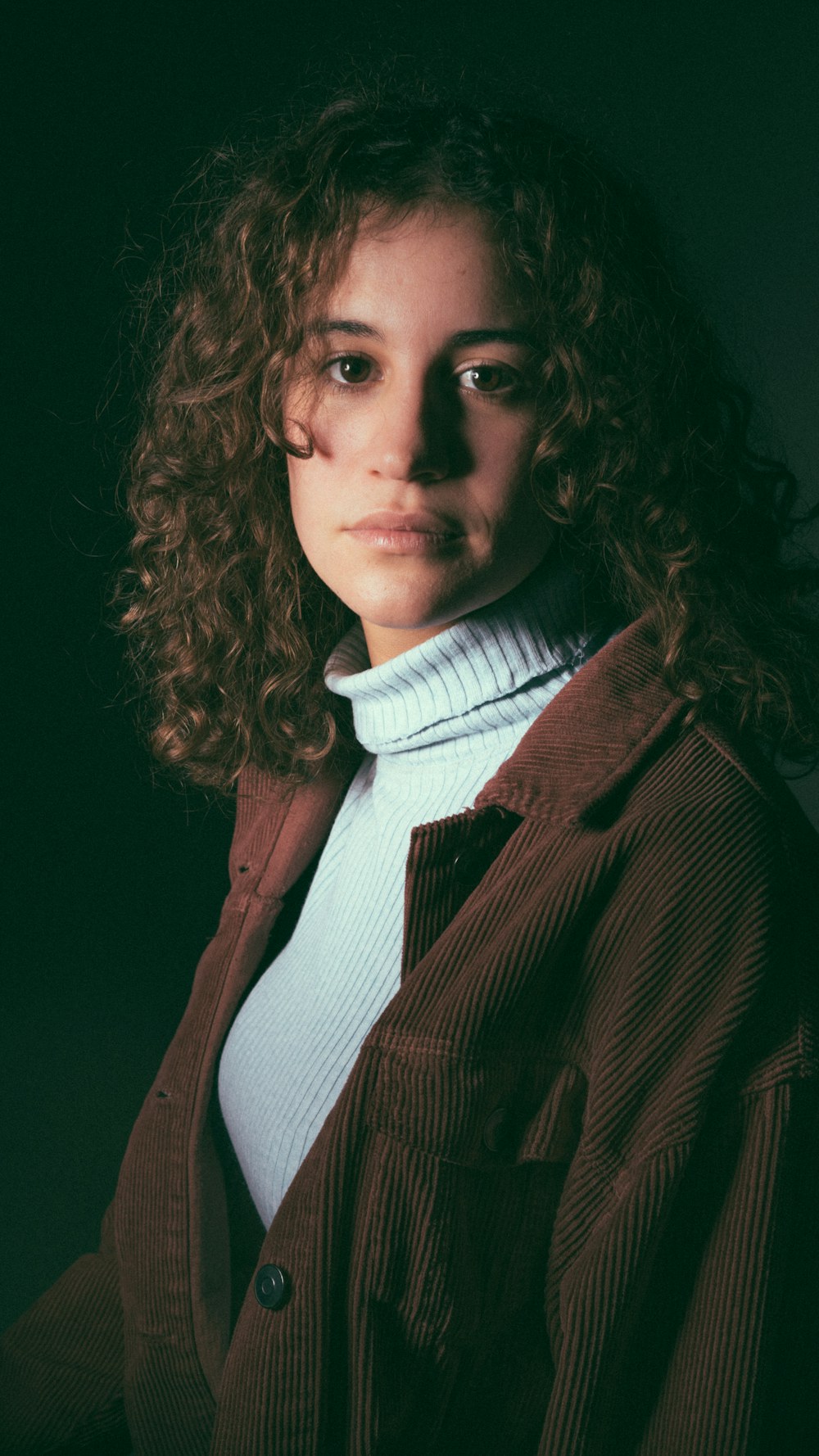 GREEN PART · RECOMMENDED AREA950 × 979 px
KEEP CLEAR · 269 px
672 px bottom · 65 px sides
GREEN PART · RECOMMENDED AREA950 × 979 px
KEEP CLEAR · 269 px
672 px bottom · 65 px sides
VERTICAL VIDEO · FULL SCREEN
Instagram Reels
Fill the screen with a vertical design and keep important text away from the Reels controls.
Green part: keep text, price and logo here so they stay visible.
Hatched strips: the interface may cover these spaces. Keep important information out of them.
Keep the icon column on the right clear. Sizes are approximate references.
Text, price, logo and button are easier to read when they have room to breathe inside the recommended area.
HOW TO CHOOSE
A simple rule to avoid crops
In Feed, formats between 4:5 and 1.91:1 usually fit the space. A taller or wider design may be cropped. In Stories and Reels, use 9:16 to fill the whole screen.
STORIES AND REELS
Margins change from one placement to another
The app controls take up different parts of the screen. Use these sizes as a reference and keep important information inside the recommended area.
| Placement | Clear at top | Clear at bottom | Clear on sides | Recommended area |
|---|---|---|---|---|
| Stories | 269 px | 384 px | 43 px on each side | 994 × 1267 px |
| Reels | 269 px | 672 px | 65 px on each side + icons on the right | 950 × 979 px |
Approximate values, reviewed on October 22, 2026. The interface may change; use the margins as guidance, not as an exact rule.
BEFORE YOU EXPORT
Four habits that prevent surprises
- 01
Prepare a version per format. Use 4:5 in Feed and 9:16 in Stories and Reels.
- 02
Keep the essentials in the center. Price, offer, logo and call to action stay away from the controls.
- 03
Export at least 1080 px wide. Small files can lose sharpness.
- 04
Pick the right file type. PNG works well for text; JPG for photos.
COMMON QUESTIONS
Frequently asked questions
Why does my image look cropped?
Your design’s aspect ratio may differ from the placement’s. A square image in a Story, for example, has to be cropped on the sides to fill the screen — or shown whole with background bars.
What is the best size for Stories and Reels?
1080 × 1920 px (9:16). Keep text and buttons away from the top and bottom.
Do I need one image for Feed and another for Stories?
It isn’t required, but it usually gives better results. In Ads Manager you can use a single image or change the image per placement. In ViuAnúncio, upload a second design to simulate specific versions for Feed or for Stories and Reels.
READY TO CHECK?